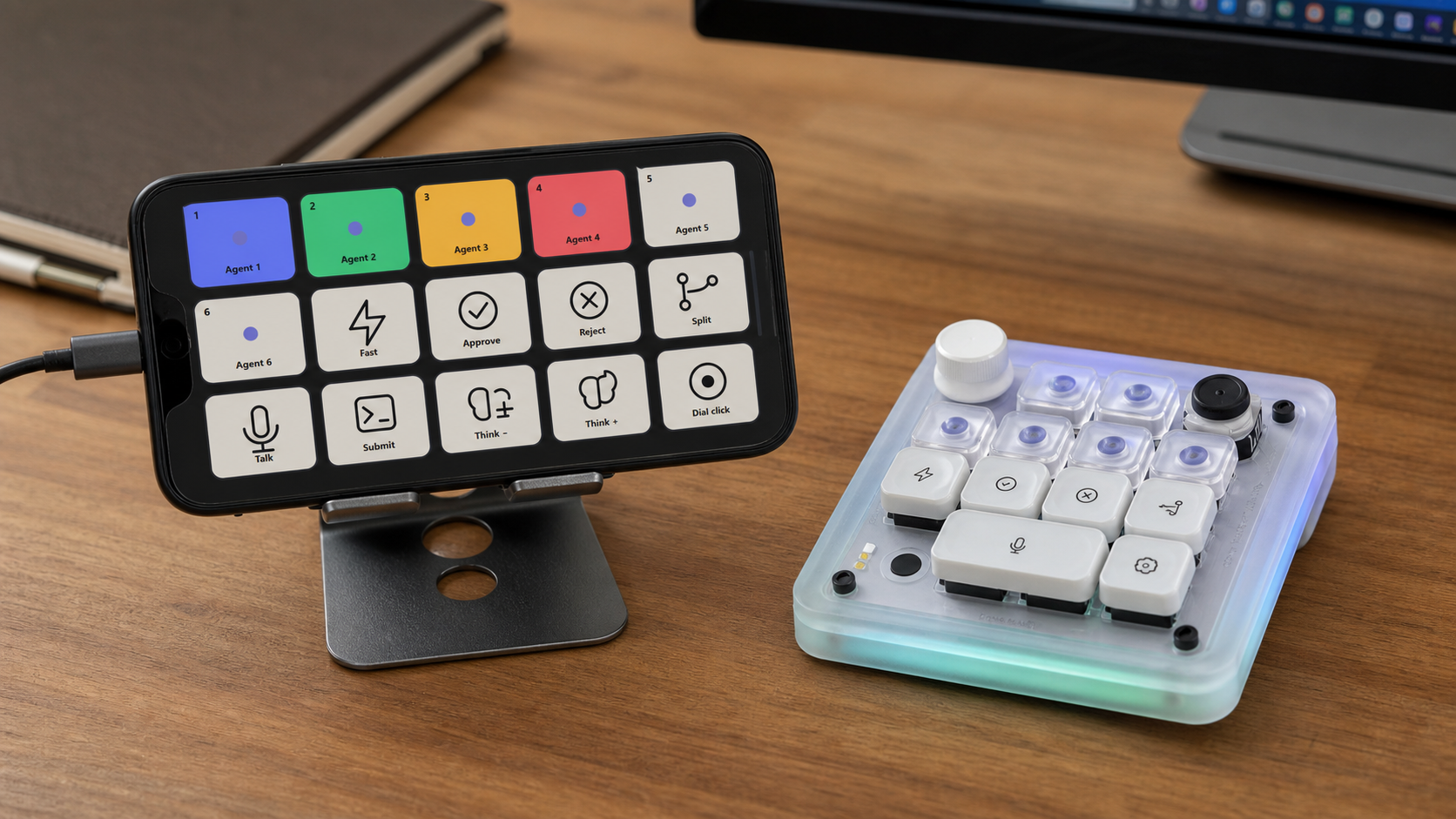
I saw the Work Louder Codex Micro and did the usual thing. Decided I needed it first, then looked at the price.
To be fair, it is a lovely bit of kit. It has keys for jumping between Codex agents, live colours to show what each one is doing, buttons for the common actions, a dial for changing the reasoning level and a little joystick for shortcuts. It is exactly the sort of very specific desk gadget I am weak for.
For work, it would have been perfect. I still could not justify roughly £200 for small efficiency gains on a few keypresses.
Then I remembered I had an old phone sitting in a drawer. The screen was fine, the battery was fine and it was powerful enough for this by a ridiculous margin. I already use Stream Deck, so I opened ChatGPT and asked if we could make the phone do the same job through Stream Deck Mobile.
The answer was yes, although Windows made us earn it.
ChatGPT worked out how the Codex Micro talks to Codex, built a custom Stream Deck plugin and added a small local bridge so the buttons could send the right commands. It installed the profiles, checked the connection and kept changing things whenever Windows decided it had a better idea.
My main technical contribution was restarting things.
I also designed and printed a mounting bracket for my microphone, so it now sits above my keyboard permanently instead of taking up half the desk.
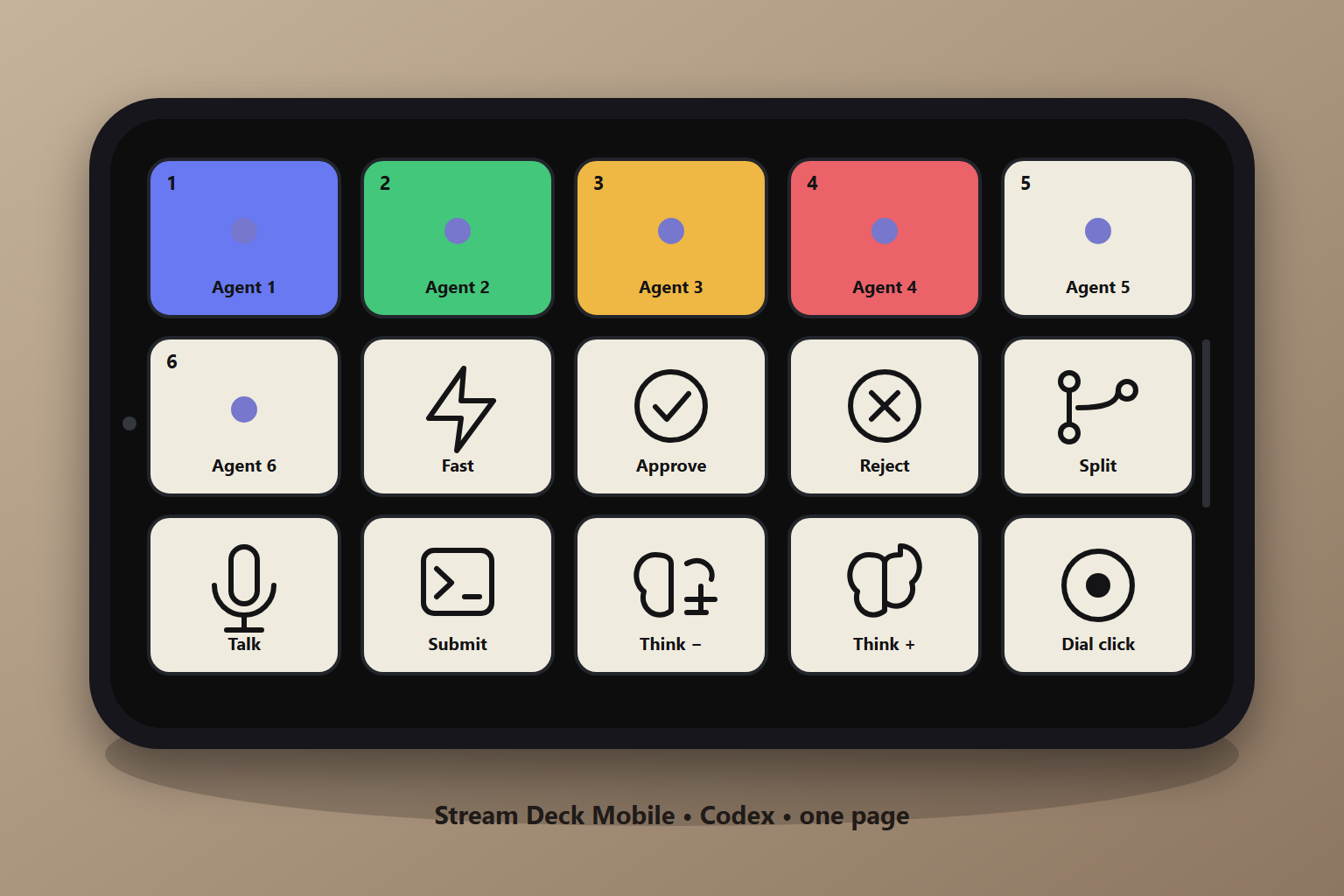
The finished page has six agent buttons, plus Fast, Approve, Reject, Split, Talk, Submit and the reasoning controls. The agent buttons change colour depending on what Codex is doing. Blue means working, green means finished, amber means it needs me and red means something has gone wrong.
One page was plenty
The first version had six pages because the real Codex Micro supports six layers. That was technically accurate and, for me, completely unnecessary. I used it for about five minutes and asked ChatGPT to get rid of the other five pages without touching my normal Stream Deck profiles.
It backed everything up, removed the spare pages and checked it again. One page is plenty.
What I like about this is that I did not need to learn how Stream Deck plugins, profile files or the Codex connection worked before trying it. I could describe what I wanted, test it and say what was annoying. ChatGPT handled the fiddly bit in the middle.
The old phone now stays plugged in beside the keyboard as a dedicated Codex controller. It is not as pretty as the Codex Micro, obviously, but it works and I already owned it.
So I have saved roughly £200, avoided buying another device and found a proper use for a phone that was doing absolutely nothing.
Just for the record, this blog post, its images and the whole website were put together in about 30 minutes while I was learning how to use my new AI keypad.